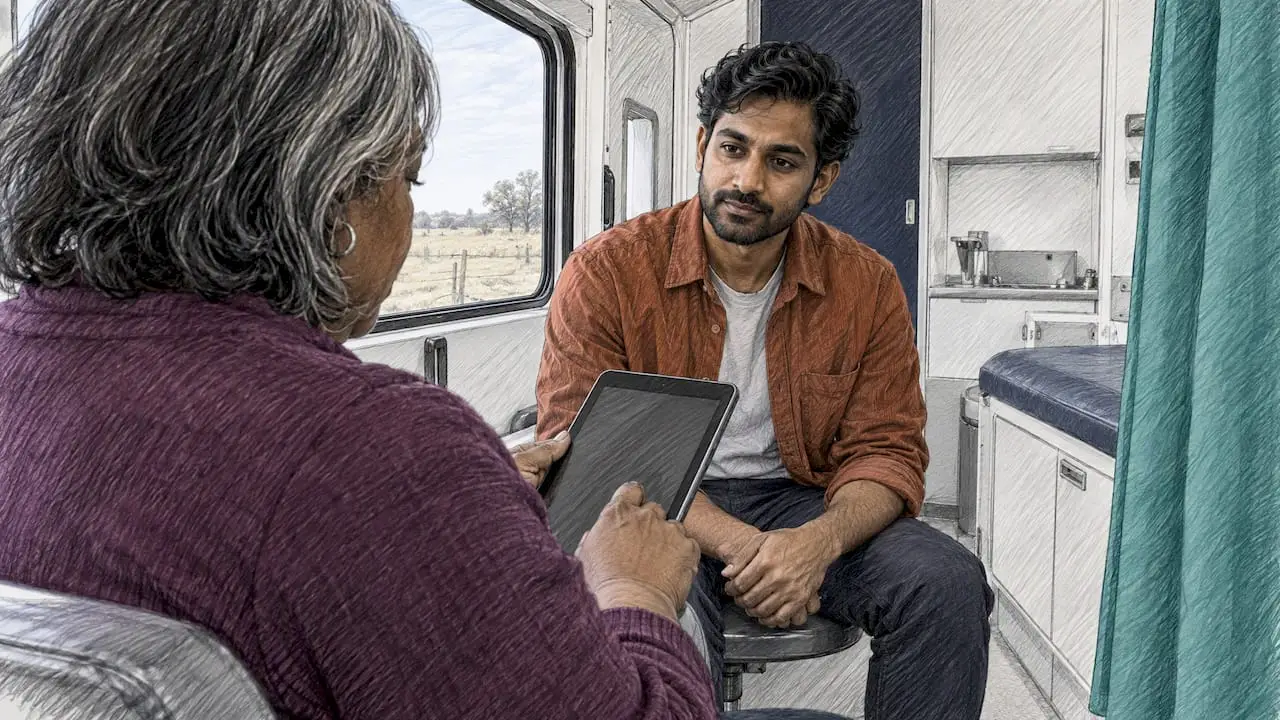
SDOH data capture is the work of collecting information about patients’ nonmedical social conditions, such as housing, food, transportation and employment, recording it in a consistent, coded form, and making it available to the people who act on it. Done well, it produces more than a screening score: it produces a record of the need, the referral made, and what happened afterward. This guide covers what to capture, where it comes from, which standards apply, how to handle consent and privacy, and how to measure whether the data is complete and useful.
TL;DR
- SDOH data capture means collecting social needs information, documenting it in structured fields, and linking it to action: services, coordination and referrals.
- Capture patient-reported screening responses first. Add EHR, claims and neighborhood data later to give those responses context.
- Use standard codes (ICD-10-CM Z codes for diagnoses, LOINC and SNOMED CT for screening and exchange) so the data can travel between systems.
- SDOH data held by covered entities is generally protected health information under HIPAA, and patients share more when you explain why you ask.
- Capture is only half the job. Track referral status and outcomes, or the data cannot show that any need was addressed.
Table of Contents
- What SDOH data capture means
- What to capture: needs and data sources
- Standards, fields and codes that make data consistent
- Building capture into clinical and community workflows
- Consent, privacy and trust
- From captured data to referrals and follow-up
- Measuring completeness, follow-through and outcomes
- How EquiLoop supports SDOH data capture
- A 90-day starting plan
- FAQ
- Sources
What SDOH data capture means
Social determinants of health are the nonmedical factors, such as the conditions where people are born, grow, work, live and age, that influence health outcomes. According to the ONC Social Determinants of Health Information Exchange Toolkit, capturing this data lets providers identify social needs, coordinate services and address health inequities. The same toolkit notes that the data can support referrals, improve care quality and outcomes, and help reduce costs.
Capture covers three connected steps:
- Collection: asking the question, whether on paper, in a tablet intake, by phone or during a home visit.
- Documentation: recording the answer in a structured field with a standard code, not in a free-text note nobody can query.
- Use: routing the information to a care team, a community partner or a report.
Many programs do the first step and stop. A screening tool that produces a stack of responses but no routed referral and no follow-up has captured data without capturing anything a program director can report on.
Terminology varies. Some organizations say social needs, others say social drivers. If your team or funders use the newer wording, our guide to social determinants vs. social drivers of health explains how the terms relate, and the social needs definition guide covers the clinical and policy meaning.
What to capture: needs and data sources
Individual-level social needs
CMS describes health-related social needs as individual-level factors, such as housing instability, food insecurity and employment status, that affect a person’s ability to maintain well-being, in its tip sheet on collecting enrollee data. For most community health programs, the core domains are:
- Housing instability and housing quality
- Food insecurity
- Transportation
- Utilities
- Interpersonal safety
- Employment and income
- Education and health literacy
Do not try to capture every domain on day one. Choose the domains that match the services your referral partners can actually deliver. Asking about a need that no partner in your network can address creates work for staff and frustration for patients.
Where the data comes from
A 2024 academic review of social determinants data in EHRs lists the main sources: patient-reported responses from surveys and screening tools, EHR data, claims, census and community survey data, and neighborhood data linked through geocoding. They serve different purposes:
| Source | What it tells you | Limits |
|---|---|---|
| Patient-reported screening | Current, individual needs in the patient’s own words | Depends on trust, timing and who asks |
| EHR structured data | Diagnoses, Z codes, orders and referrals already documented | Often sparse; many needs never get coded |
| Claims | Utilization and billed Z codes across settings | Lagging; only captures billed encounters |
| Census and community surveys | Area-level poverty, housing and education context | Describes a neighborhood, not a person |
| Geocoded neighborhood data | Links an address to area-level indicators | Requires accurate addresses and a linking method |
For care coordination, the patient-reported layer matters most, because it is the only one that identifies a specific person with a specific need today. Area-level data helps with program planning, such as deciding where to place outreach staff, but it should not replace asking.
Standards, fields and codes that make data consistent
Consistent documentation is what separates data you can report on from data you can only read. Three families of codes matter for most U.S. programs.
ICD-10-CM Z codes
SDOH-related Z codes sit in categories Z55 through Z65 of ICD-10-CM, according to the CMS Office of Minority Health Z code resource. They cover problems related to education and literacy (Z55), employment (Z56), housing and economic circumstances (Z59), the social environment (Z60) and more. Clinicians and, in many settings, other members of the care team can document these, which makes them the practical route for getting social needs into diagnosis fields and claims.
LOINC and SNOMED CT
The Gravity Project develops terminology for exchanging SDOH data. Per the WEDI resource on SDOH code systems and screening tools, LOINC represents screening assessments, questions and answers in that work, while SNOMED CT provides standard representations of clinical concepts. In practice this means that a validated screening instrument, the individual question and the patient’s answer can each carry a code, so two systems can interpret the same response the same way.
USCDI
The WEDI resource also points to the United States Core Data for Interoperability (USCDI), the ONC standard set of data classes and elements for health information exchange. ONC describes an equity-by-design approach and a commitment to advancing standardized data that represents social needs and living conditions. If your EHR is certified, check which SDOH elements it can already store and exchange before you build parallel fields.
A practical minimum record
Whatever tools you use, each screening event should record at least:
- Who was screened, and on what date
- Which instrument and version was used
- The response to each question, stored as a discrete value
- Whether the patient declined to answer
- Which needs were identified, with codes where your system supports them
- Whether the patient wants help with each need
- The referral made, to whom, and its current status
The last two items are where most capture workflows fall short. They are also what funders ask about. Our guide to SDOH screening tools compares instruments, and the digital SDOH assessment page covers moving the questionnaire onto tablets or phones.
Building capture into clinical and community workflows
There is no single correct workflow. A study of SDOH screening in community health centers found that successful integration often required external incentives, dedicated champions and flexibility in workflow design, and that understanding organizational context mattered more than following a rigid step-by-step process. That matches what program directors report: a workflow that works at a clinic with a front-desk tablet may fail at a mobile outreach team.
Decisions to make before launch:
Who asks. Front desk staff, medical assistants, nurses, community health workers and navigators all collect SDOH data. Pick the role with the most trust and the least competing work. Community health workers are often the strongest fit in rural programs. See our overview of what a community health worker does.
When to ask. At intake, at each annual visit, after a change in circumstances, or at a home visit. Set a rescreening interval and write it down.
Whom to start with. Some organizations begin with high-risk individuals and expand to larger populations once workflows are stable, as described in the NCQA SDOH resource guide. That guide also notes that an EHR-embedded assessment can keep questions and resource recommendations consistent across facilities.
Where the answer lives. Your EHR or practice management system is usually the system of record. A separate workflow tool should complement it, not create a second chart that staff must reconcile.
If your program is working toward the CMS screening standard, the SDOH screening workflow guide for program leads walks through the steps, and UDS SDOH reporting covers what FQHCs must submit and track.

Consent, privacy and trust
HIPAA
The ONC toolkit states that SDOH data collected by covered entities is generally classified as protected health information under HIPAA. That requires administrative, physical and technical safeguards: role-based access, audit logs, encryption and business associate agreements with any vendor that handles the data. Community-based organizations that are not covered entities may still face state law or contract terms from funders, so confirm your status with counsel before you design the data flow.
Consent for sharing
A referral to a food pantry or housing agency means sharing something about the patient with an outside party. Tell the patient who will receive what, and get consent in the form your organization and state law require. Informed consent is a recognized tension in SDOH data work: ONC researcher perspectives describe balancing the need for representative data against the ethical duty to inform patients about secondary use and keep their trust. Secondary use, such as program evaluation or research, needs its own explanation.
Asking in a way patients answer
Patients may hesitate to disclose needs out of shame or fear. AHRQ advises, in its tool on attending to social needs, explaining why you are asking, who will see the information and how it will be used. Put that explanation in a short script and train every person who asks to use it. Offer a decline option, and record declines as declines rather than as “no need.” Otherwise your data will undercount need and your reports will be wrong.
Data quality checks
Four problems recur:
- Missing responses treated as negative screens
- Free-text answers that cannot be counted
- Duplicate records when a person is screened at two sites
- Stale screens with no rescreening date
Run a monthly check for each. It takes an analyst an hour and prevents months of unusable reporting.
From captured data to referrals and follow-up
Hospitals most commonly use screened social needs data for discharge planning, referrals to community-based organizations and clinical decision-making for individual patients, according to an academic analysis of hospital data use. That list ends at the referral. Most programs cannot say whether the referral was received, accepted or resolved.
That gap is the main reason capture efforts stall. A screen finds a need, a referral is sent, and nobody records the outcome. When a funder asks how many people with food insecurity received food assistance, the program can count screens and referrals but not resolutions.
Closing the loop requires a status for every referral:
- Sent
- Received by the partner
- Accepted or declined
- Service delivered
- Need resolved, unresolved or patient unreachable
Each status change should carry a date and an owner. Our guides on referral tracking, referral network management and PCMH referral tracking cover the process in more depth.
Measuring completeness, follow-through and outcomes
Three levels of measures give a program director a clear picture.
Capture measures
- Percentage of eligible patients screened in the period
- Percentage of screens with every required field completed
- Percentage of screens declined
Referral measures
- Percentage of identified needs with a referral offered and accepted
- Time from screening to referral
- Percentage of referrals with a recorded final status
Outcome measures
- Percentage of referrals resulting in a delivered service
- Percentage of identified needs resolved at follow-up
- Repeat-screen change in need for the same patients
AHRQ’s PSNet describes an EHR dashboard that monitors SDOH data collection, and says that standardized measures and displayed trends, both positive and negative, can help win staff buy-in. Show screening rates by site and by staff role every month, so teams see their own numbers. For a look at how dashboards turn into daily management tools, see this piece on healthcare operations dashboards. Keep the list short: our guide to community health outcome metrics recommends starting with two to four metrics for SDOH and referrals.
How EquiLoop supports SDOH data capture

EquiLoop is WellCheck’s closed-loop referral and care coordination platform. It handles SDoH screening and intake, referral routing to clinical and community partners, follow-up and status tracking, outcomes dashboards and funder-ready reporting. Each deployment is configured around the partner network, referral pathways and reporting requirements the organization already has, and EquiLoop is built to complement existing systems of record, not replace them.
EquiLoop is not a resource directory. Its purpose is workflow and accountability: recording what happened after the referral was made. In one rural health hub deployment, the platform recorded 22,682 individuals screened, 45,458 services delivered and a 93.9% closed-loop completion rate.*
If your program can count screens but not resolutions, see how EquiLoop works or book a 30-minute demo to walk through your partner network and reporting requirements. For FQHC and hospital teams, the one-sheet for FQHCs and hospitals gives a short summary.
*Rural health hub deployment with a multi-partner ecosystem. Includes both clinical and social services referrals.
A 90-day starting plan
- Days 1 to 30: Pick two or three need domains, one validated instrument and the roles that will ask. List your referral partners and what each can deliver. Write the consent and explanation script.
- Days 31 to 60: Pilot at one site with one team. Store responses as discrete fields, code identified needs, and record every referral with a status. Review the data quality checks weekly.
- Days 61 to 90: Review screening rate, completion and referral status measures. Fix the largest gap, then expand to a second site.
Expect the first pilot to expose problems in partner response and staff time. That is what the pilot is for.
FAQ
What is the difference between SDOH screening and SDOH data capture?
Screening is the act of asking patients about their social needs. Data capture is the larger process: asking, recording answers in structured and coded fields, and routing the information to services and reports. A program can screen without capturing usable data if answers stay on paper or in free text.
Which codes should we use to document SDOH?
Most U.S. programs use ICD-10-CM Z codes (categories Z55 through Z65) for documented needs, and LOINC and SNOMED CT for screening instruments, questions and answers when exchanging data. Check which codes your EHR supports and which your funders or payers require before you finalize your fields.
Is SDOH data protected by HIPAA?
When a covered entity collects it, SDOH data is generally protected health information, so HIPAA safeguards apply. Community-based organizations that are not covered entities should confirm their obligations under state law and funder agreements with counsel.
Who should collect SDOH data at a community health center?
There is no single answer. Research on community health centers shows that workflow flexibility and dedicated champions matter more than a fixed model. Many rural programs find that community health workers or navigators, who already have patient trust, get the most complete responses.
How do we know the data is actually helping patients?
Track referral outcomes, not just screening counts. If you can report how many identified needs led to a delivered service and how many were resolved, the data is doing its job. If you can only report screens and referrals sent, the loop is still open.
Sources
- Social Determinants of Health Information Exchange Toolkit (ONC, 2023)
- CMS tip sheet on collecting enrollee data on social determinants
- Realizing the potential of social determinants data in EHRs
- CMS Office of Minority Health Z code resource
- WEDI SDOH Code Systems and Screening Tools Resource
- Initiating and Implementing Social Determinants of Health Screening in community health centers
- NCQA Social Determinants of Health resource guide
- ONC researcher perspectives on application programming interfaces
- AHRQ Attend to Social Needs: Tool 18
- Hospitals’ collection and use of data to address social needs
- AHRQ PSNet: System Approaches to Social Determinants of Health Screening and Intervention
- Healthcare operations dashboards
